Find the real WiFi problem.
Run speed, ping, DNS, device, and room tests, then get plain-English fixes for slow internet, unstable calls, weak rooms, and router issues.
Run speed, ping, DNS, device, and room tests, then get plain-English fixes for slow internet, unstable calls, weak rooms, and router issues.
WiFi Doctor focuses on practical diagnosis, not confusing network dashboards or unsupported neighboring-network scan claims.
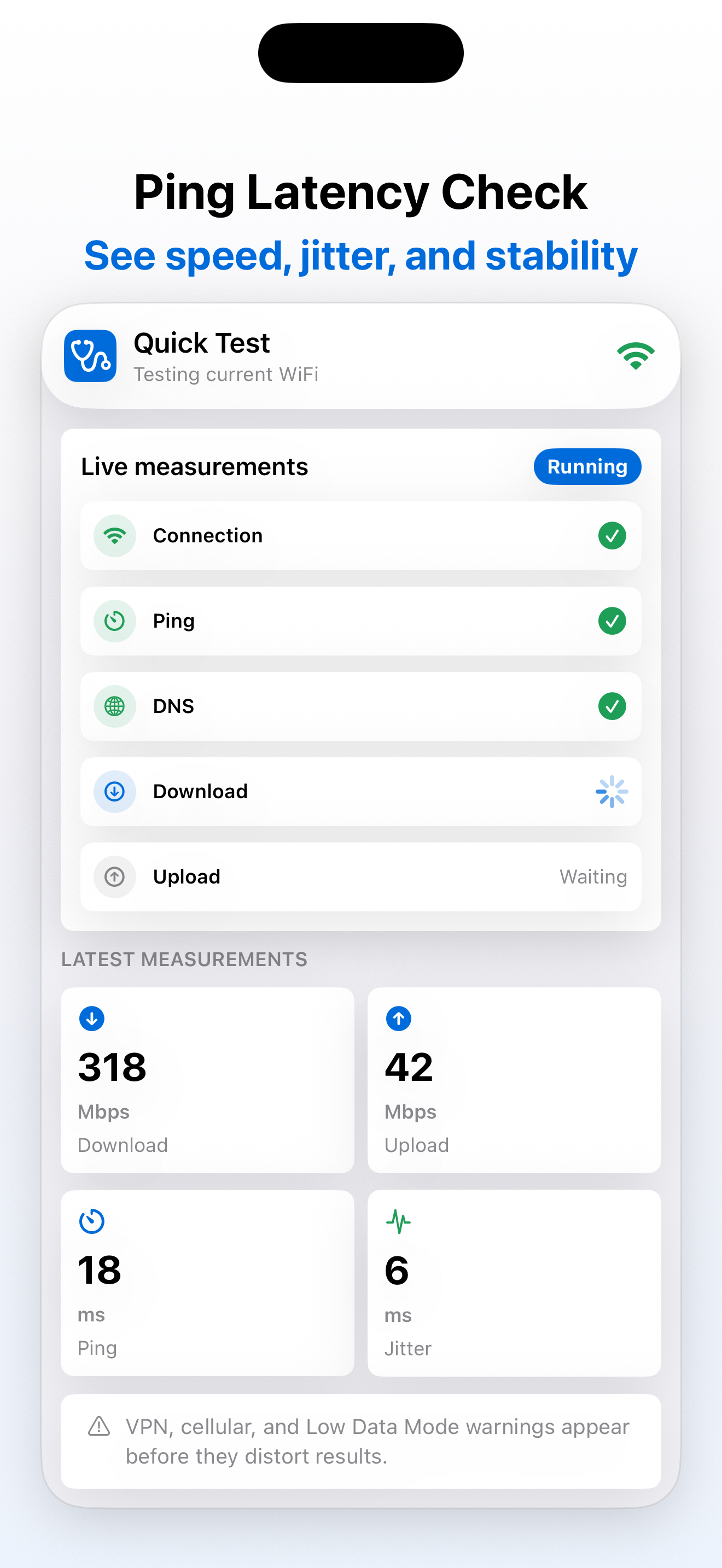
Measure download, estimated upload, latency, jitter, and connection status when your internet feels slow.
Check whether slow browsing, laggy calls, or games are more likely caused by latency, DNS, router, or ISP issues.
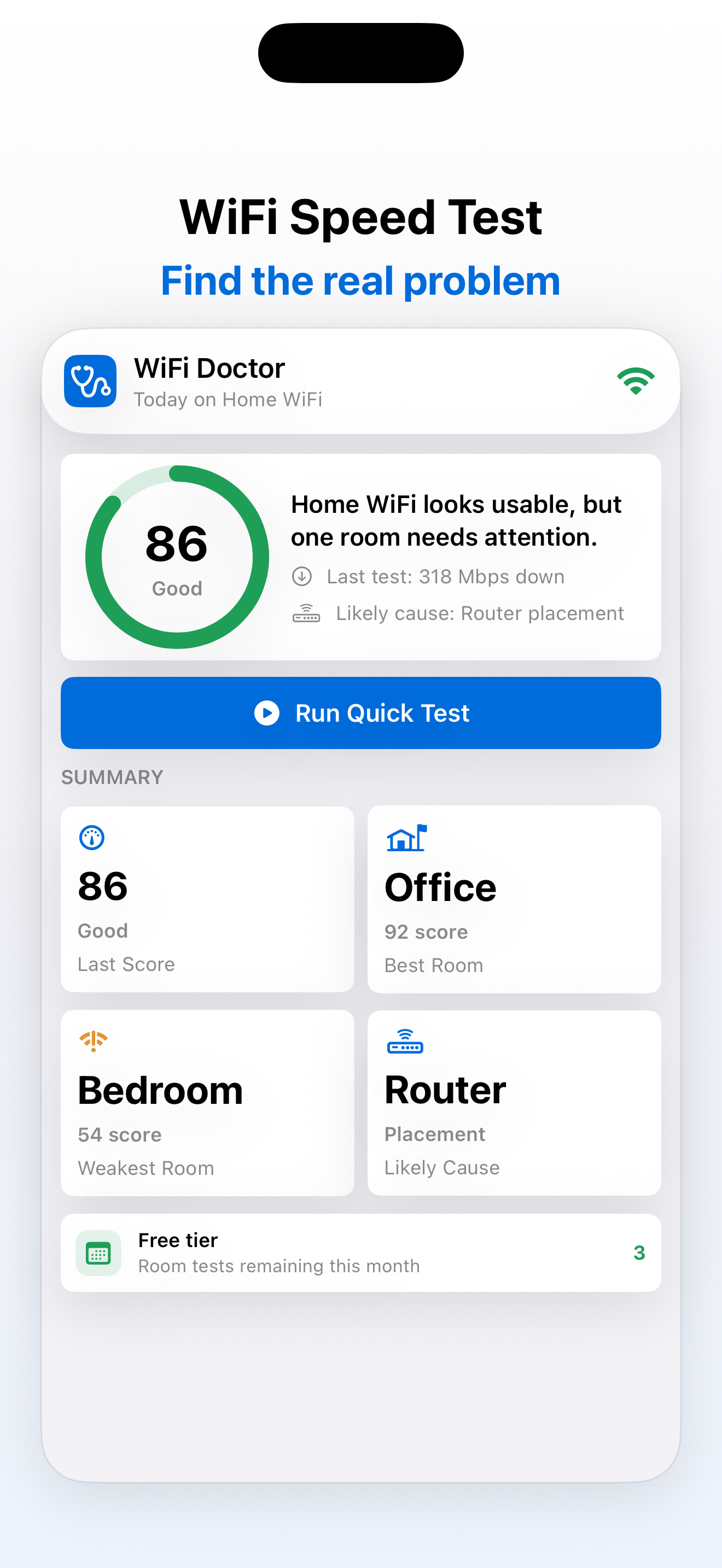
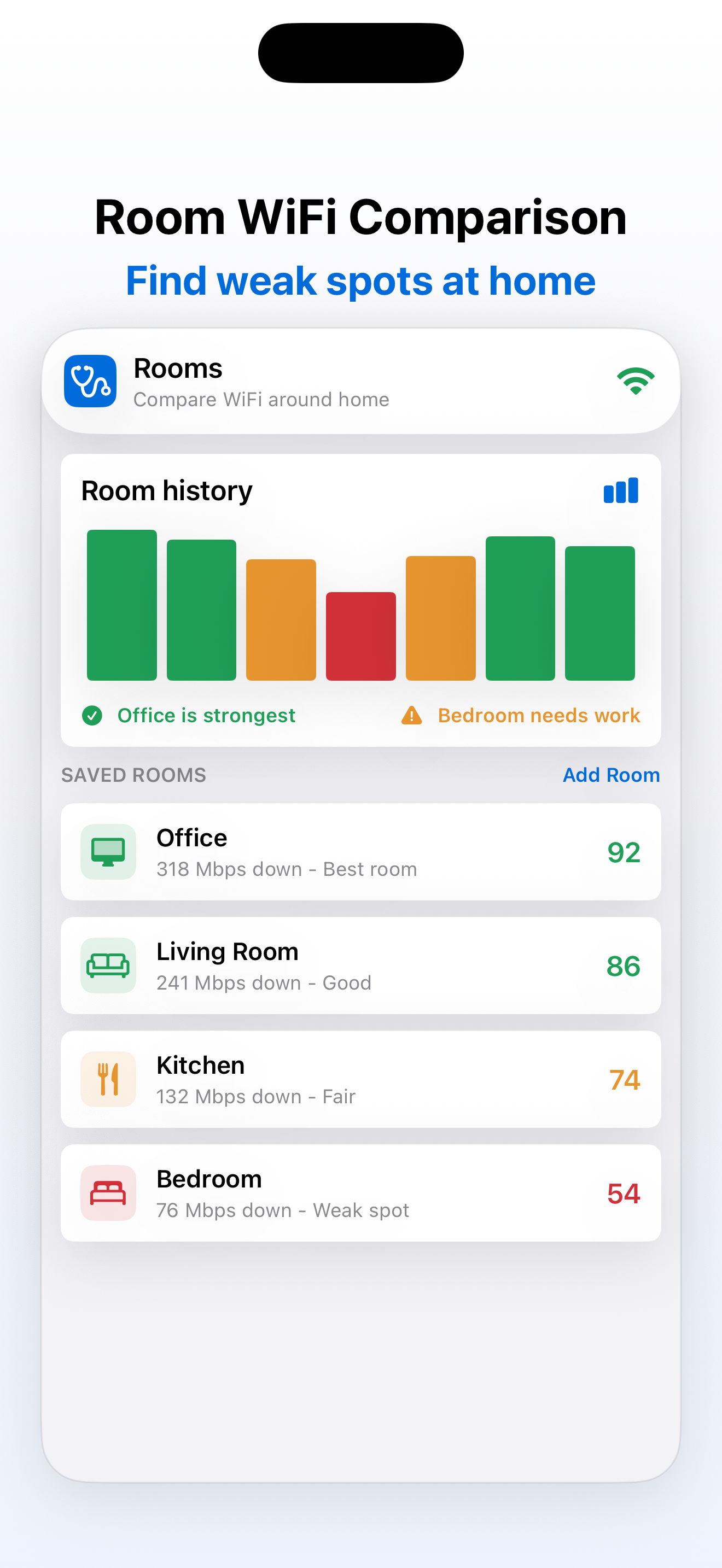
Save results by room, compare weak spots, and retest after moving a router, mesh node, desk, or streaming device.
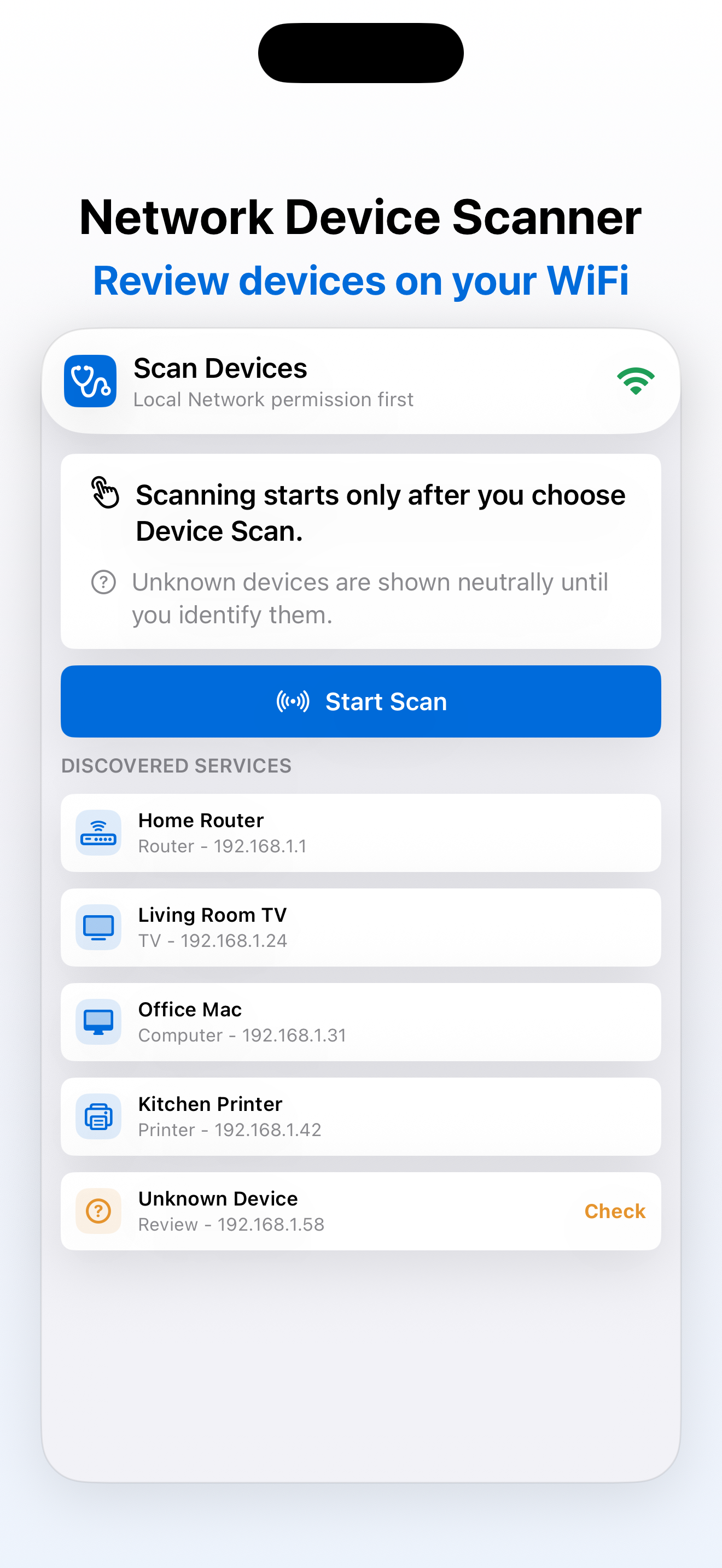
Use Local Network access only when you start Device Scan to discover nearby services like routers, TVs, and printers.
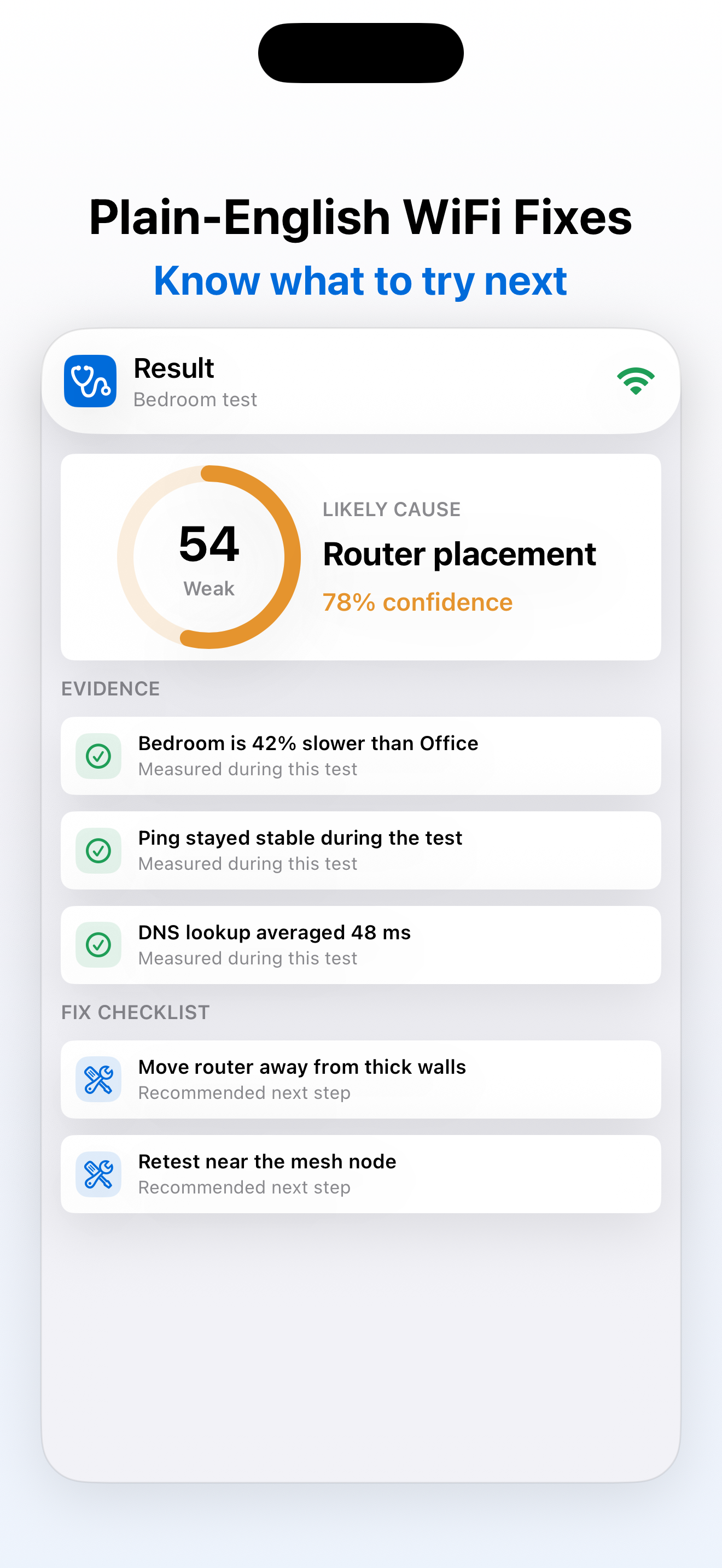
Each diagnosis includes a likely cause, confidence, evidence, and a checklist you can actually act on.
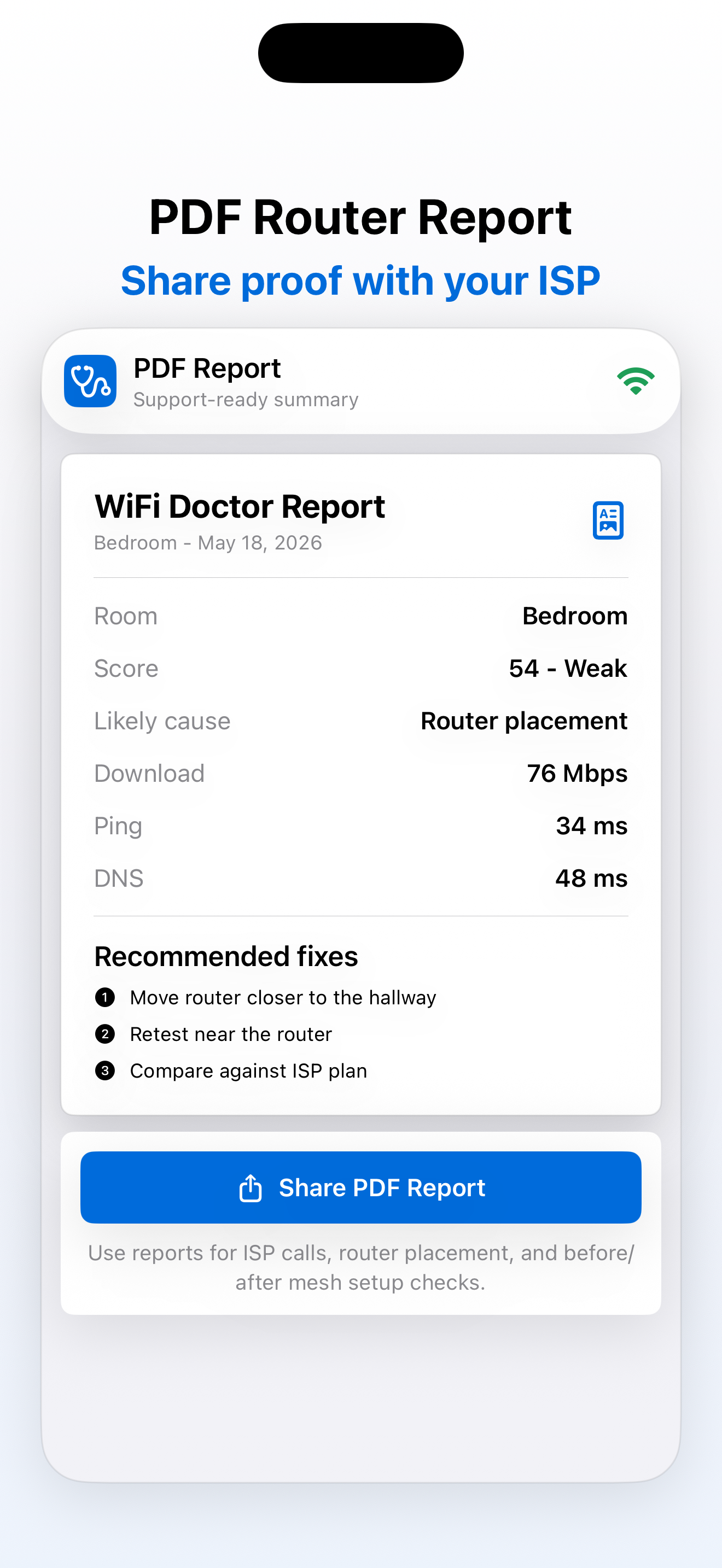
Export a simple report with speed, ping, DNS, room, device, and fix details for ISP support or router setup.
Speed results, latency, room comparisons, device scans, and PDF reports stay understandable.
Three steps from vague WiFi frustration to a fix plan.
Start a quick test or save a room test when your connection feels slow or unstable.
See speed, ping, jitter, DNS timing, connection status, and local device signals where available.
Use the checklist, compare rooms, export a PDF report, and retest after each change.
Quick tests stay free. Premium unlocks deeper history, reports, room testing, and zero ads.
Test it, understand it, and know what to try next.
Download on the App Store